
ULVim, a stripped-down, super basic, ultra-fast Vim
Unsupervised Learning’s Neovim distribution
Starts in about 62 ms
Neovim 0.12, for macOS on Apple silicon. MIT licensed.
Stripped down. Super basic. Ultra fast.
A workhorse, not a hobby.
ULVim isn’t designed to be constantly modified. It’s the dependable Vim you install once and stop thinking about.
git clone https://github.com/danielmiessler/ULVim.git ~/ULVim && cd ~/ULVim && bun scripts/install.ts
Clones the repo and runs the installer. Safe to run again.
Basic on purpose.
Built from scratch on Neovim 0.12’s own built-ins, with no distro underneath. About 20 plugins, pinned. That is the whole editor, and it is meant to stay that way.
Left out, on purpose
- Completion popups
- Spell squiggles
- LSP
- A distro underneath
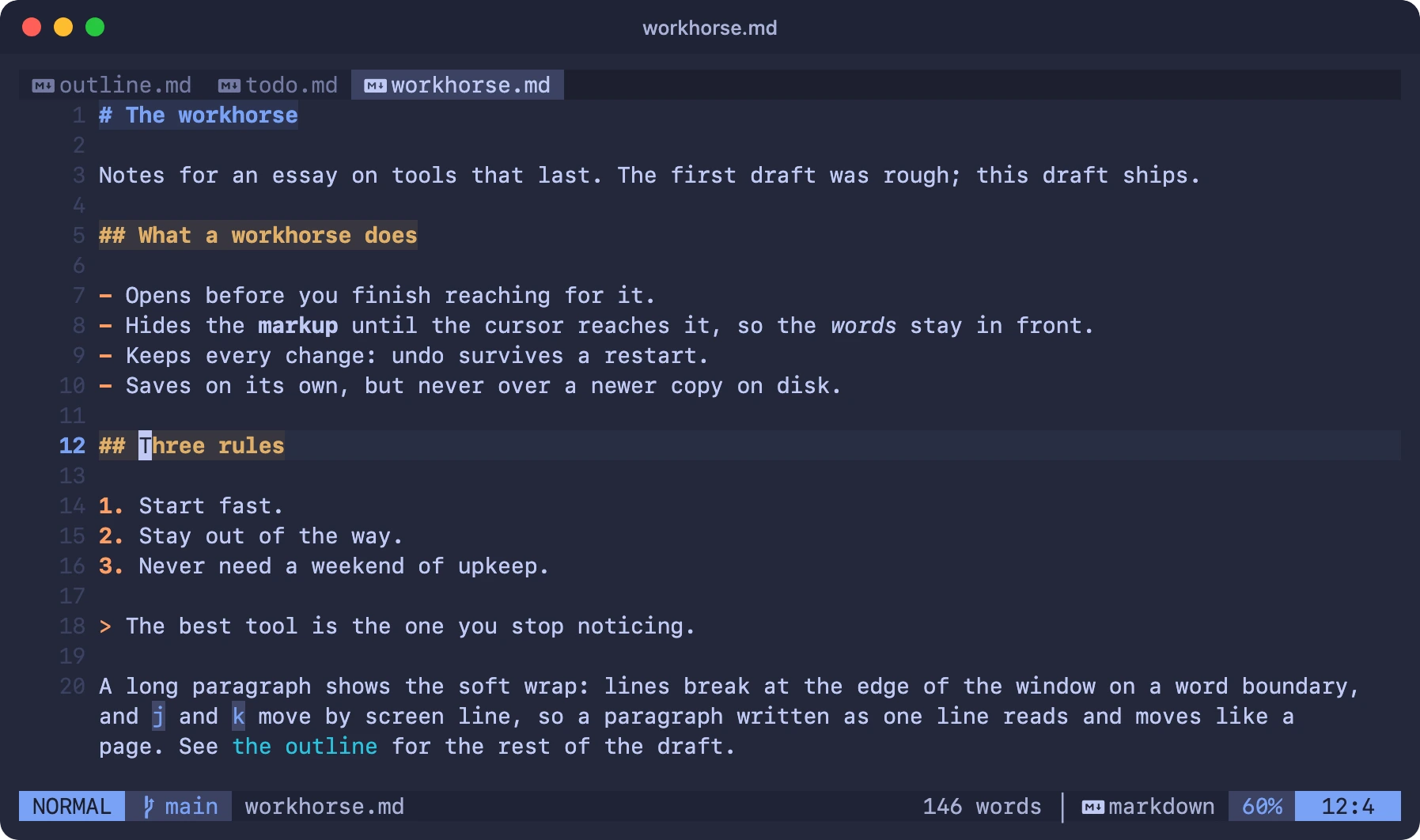
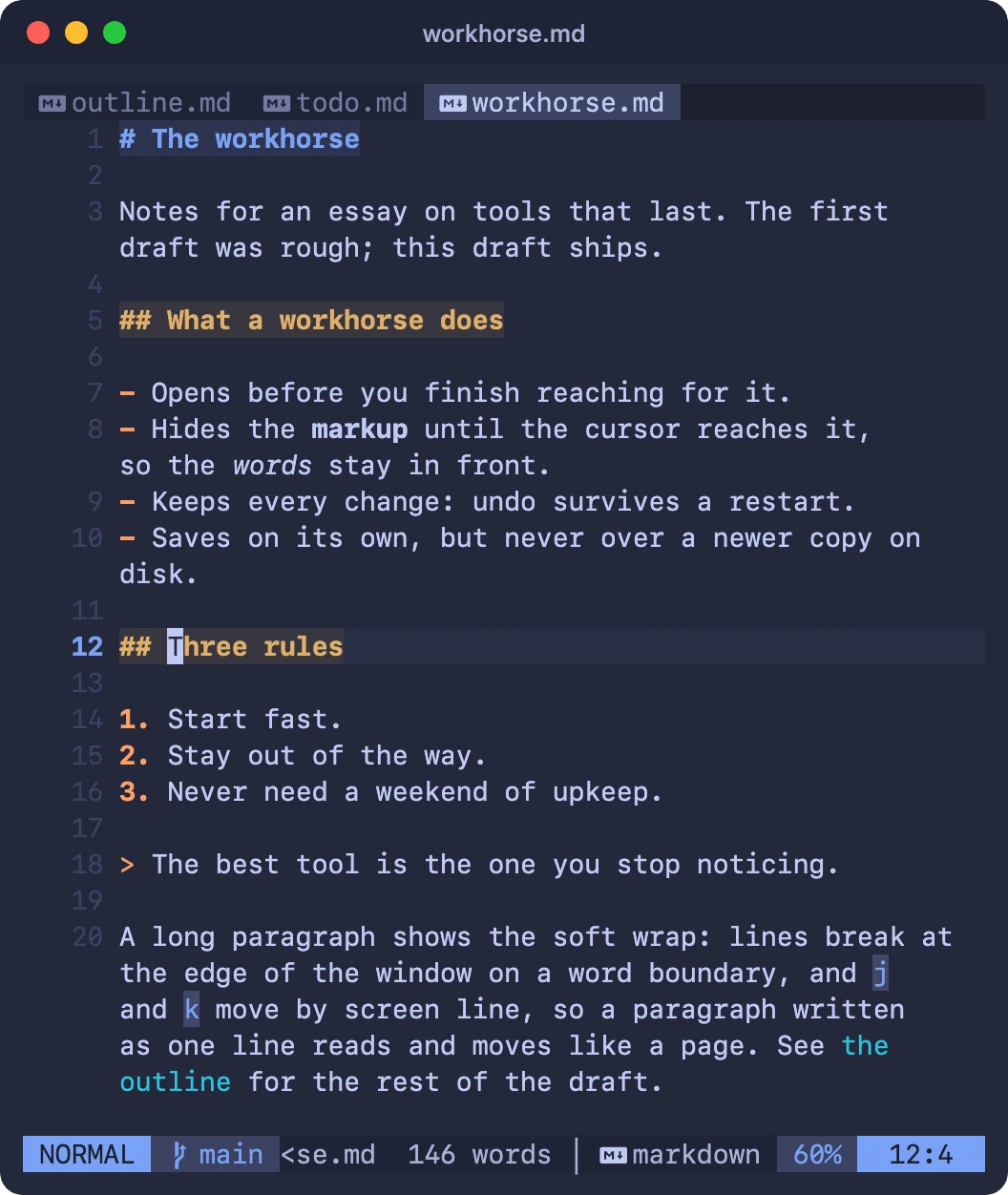
- Markup hides until the cursor reaches it.
- Lists continue themselves.
- Prose wraps at word boundaries, never mid‑word.
:restart, an undotree and inline word diffs.Ultra fast.
62ms
Starts in about 62 ms, measured on an Apple M2 Ultra. You open it, and it is already there.
Files are one keystroke away: Ctrl-Space opens a ranked finder that learns from what you open. Its history is plain-text JSONL.
This line draws in 62 ms, about the time ULVim takes to start.
Dependable.
Nothing shifts under you. Neovim itself is pinned by version and SHA‑256, and the installer refuses a tarball that doesn’t match.
nvim-macos-arm64.tar.gz Neovim 0.12.6
Plugins, locked. About 20 plugins, each pinned in a lockfile committed to the repo.
Behavior, proven. Every behavior has a headless check. Run them all with
bun tests/run.ts.Safe next to agents. When an AI agent edits a file, the buffer reloads. Unsaved edits are never silently replaced.
Install it once.
One command on macOS, Apple silicon. It clones the repo and runs the installer.
git clone https://github.com/danielmiessler/ULVim.git ~/ULVim && cd ~/ULVim && bun scripts/install.ts
Rather not? Hand INSTALL.md to your AI agent and it will do the install for you.